Morse Code Keyboard
Master the Art of Manual Telegraphy

About
Master the art of manual telegraphy with the ultimate Straight Key Morse Code Keyboard.
Bring the classic feel of a traditional hand key to your smartphone. Unlike standard Morse code translators or automatic paddle emulators, this keyboard provides a genuine straight key experience. You control the timing of every dit and dah, allowing you to develop your own rhythm while typing in any app on your device.
Whether you are a seasoned Ham Radio operator (CW enthusiast) looking to practice your sending, or a beginner wanting to learn the language of dots and dashes, this app turns your device into a fully functional telegraph station.
Screenshots
Key Features
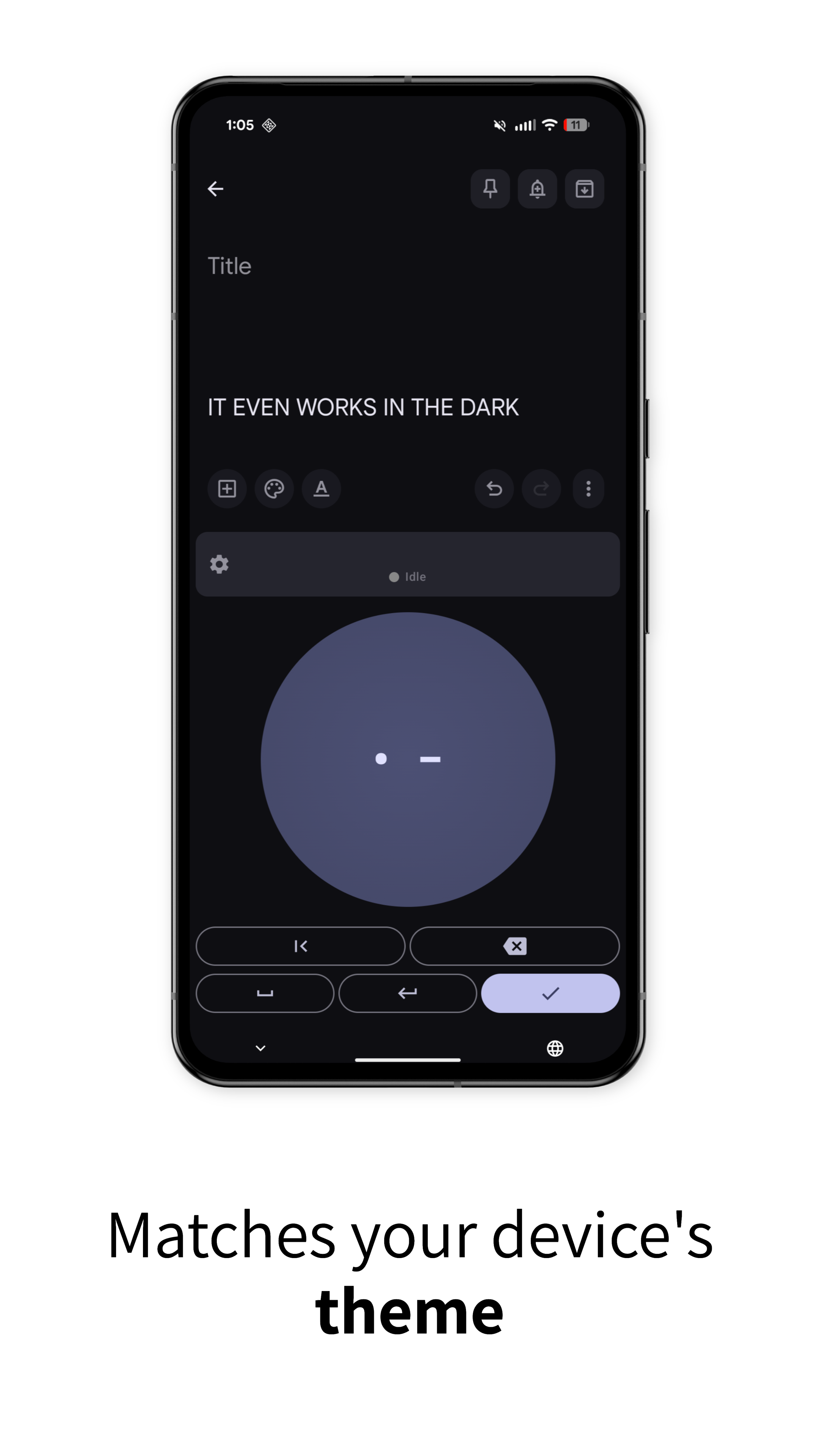
🔘 True Straight Key Experience
Forget automatic keyers. This is a manual straight key that gives you 1:1 control. Press for a dot, hold for a dash. Perfect for practicing your manual timing and spacing.
📱 System-Wide Keyboard
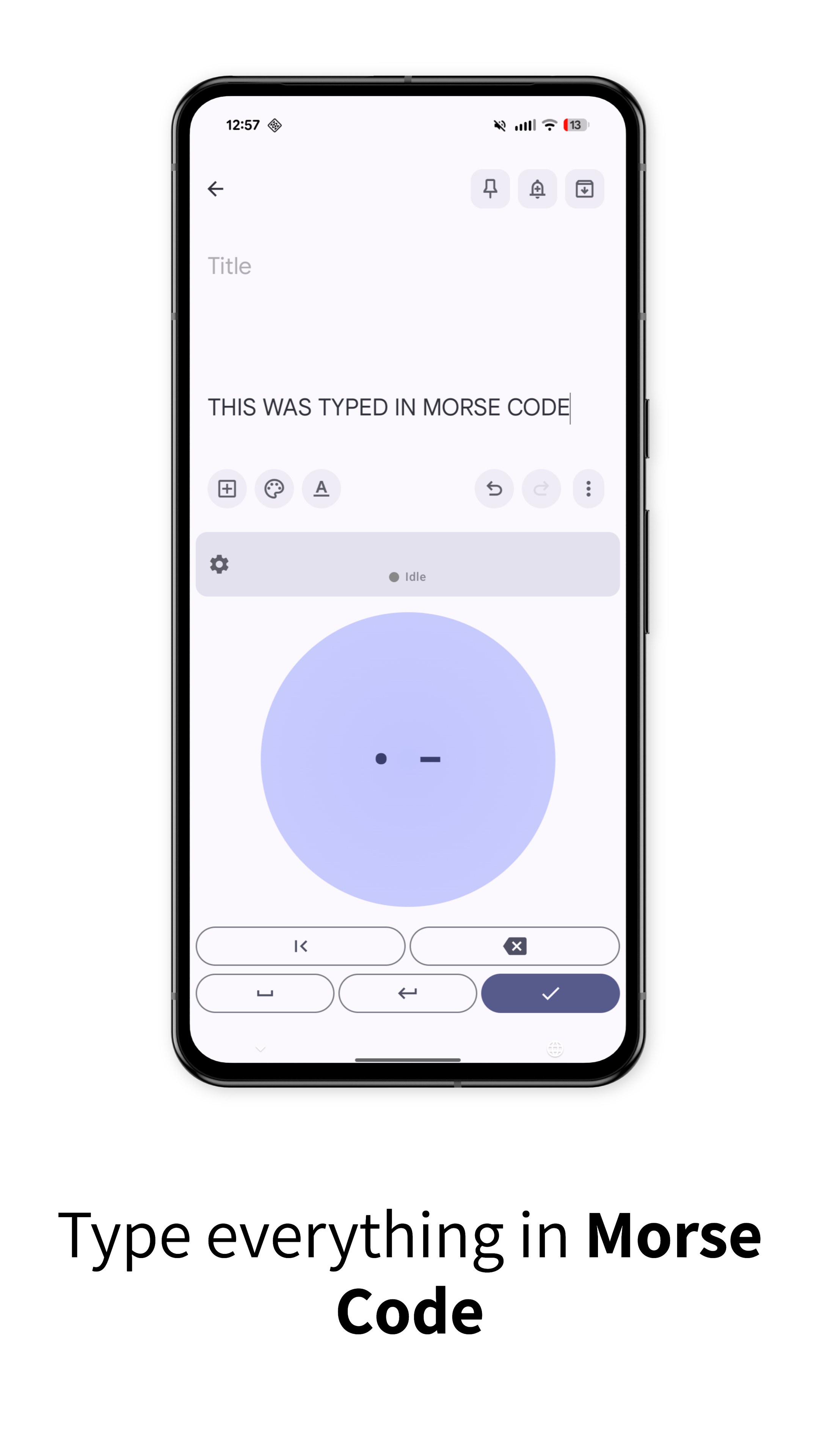
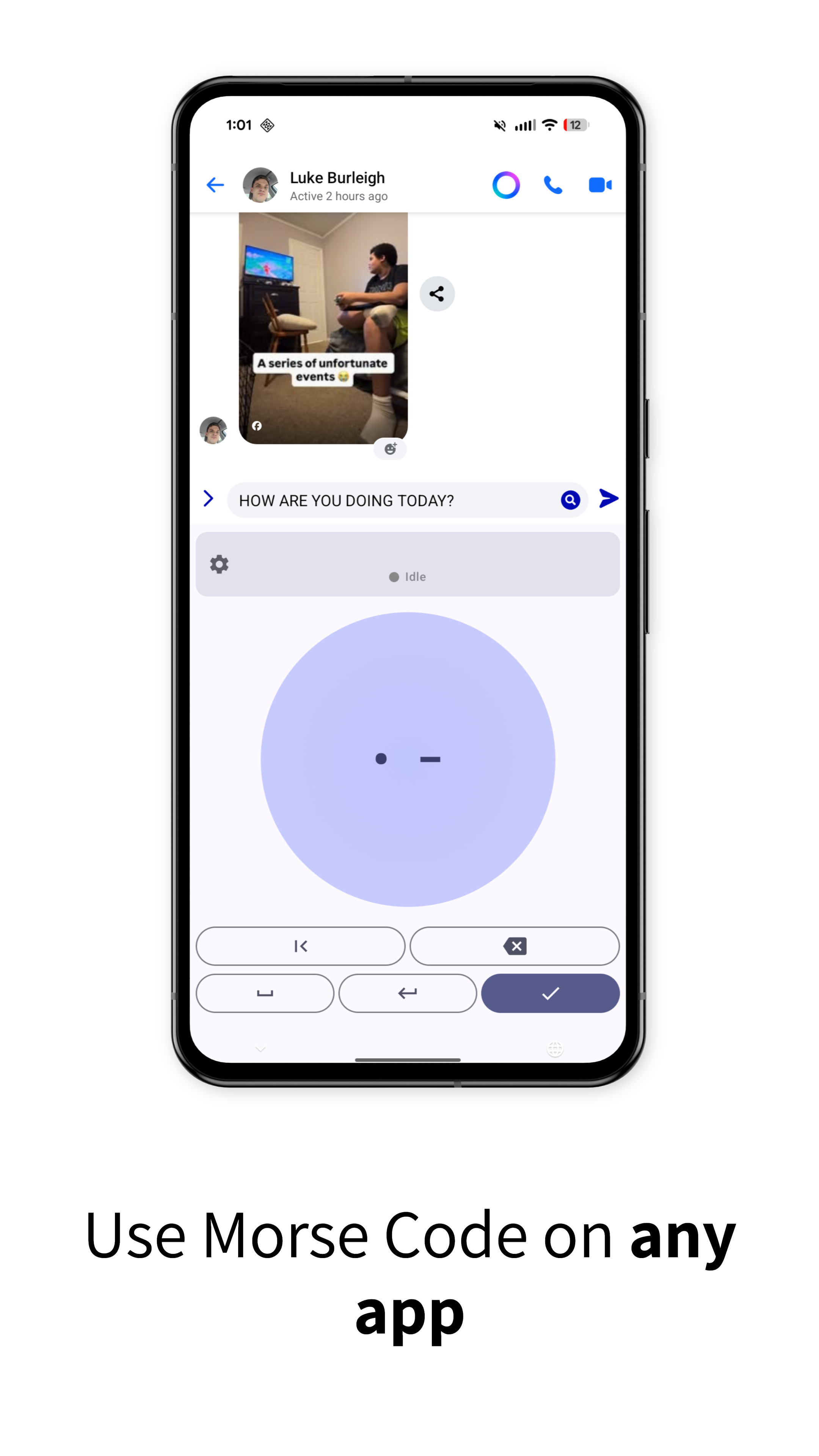
This isn't just a practice sandbox. Enable it in your settings and use it to type messages in WhatsApp, write emails, or take notes in any application.
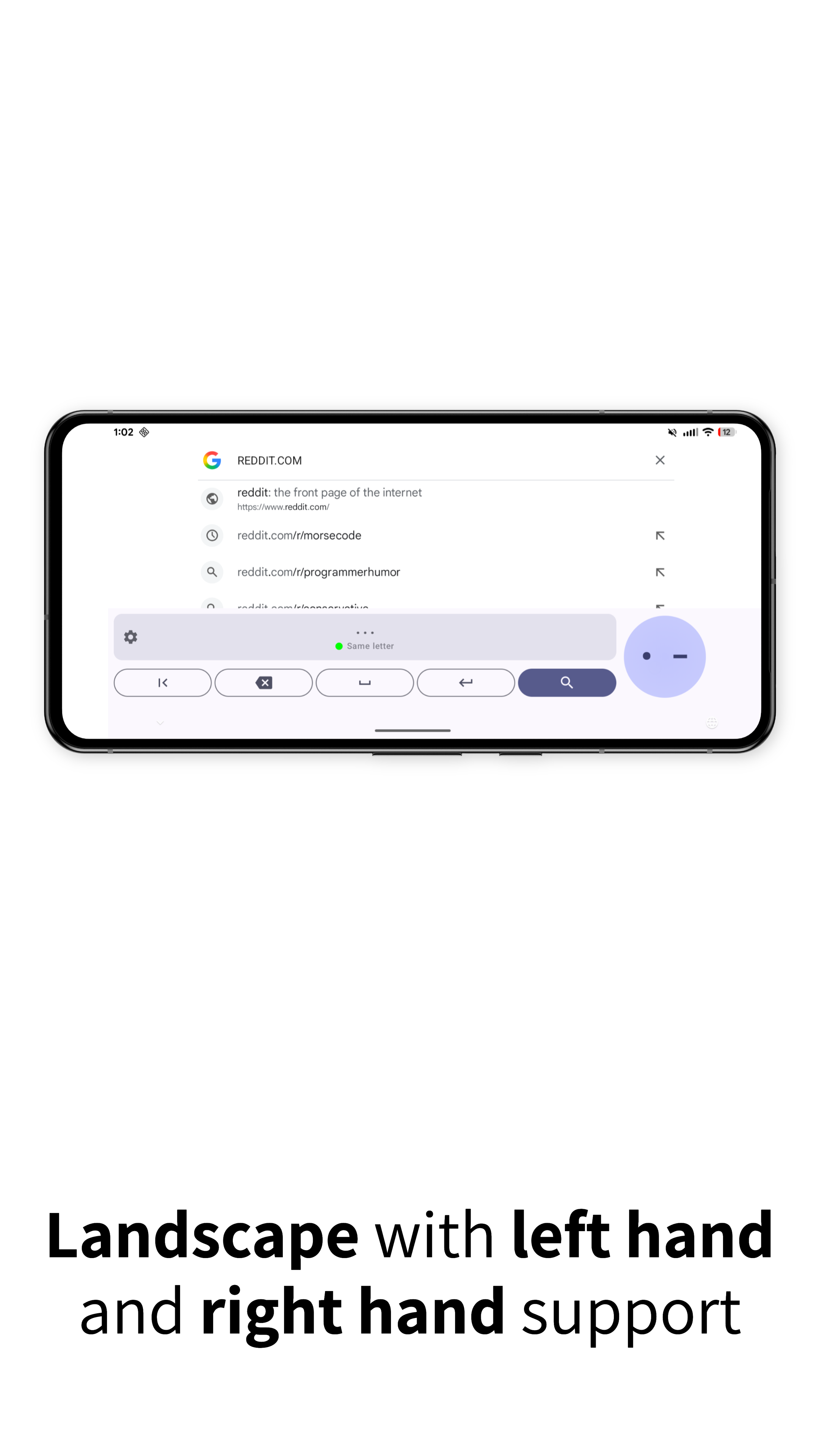
🙌 Left & Right Hand Support
Designed for ergonomics and accessibility. Easily toggle the layout in the settings to suit your dominant hand, ensuring a comfortable tapping experience for everyone.
↔️ Full Landscape Support
Need more room to tap? Rotate your phone to landscape mode for a larger keying surface. Perfect for two-handed operation or for users who prefer a wider workspace.
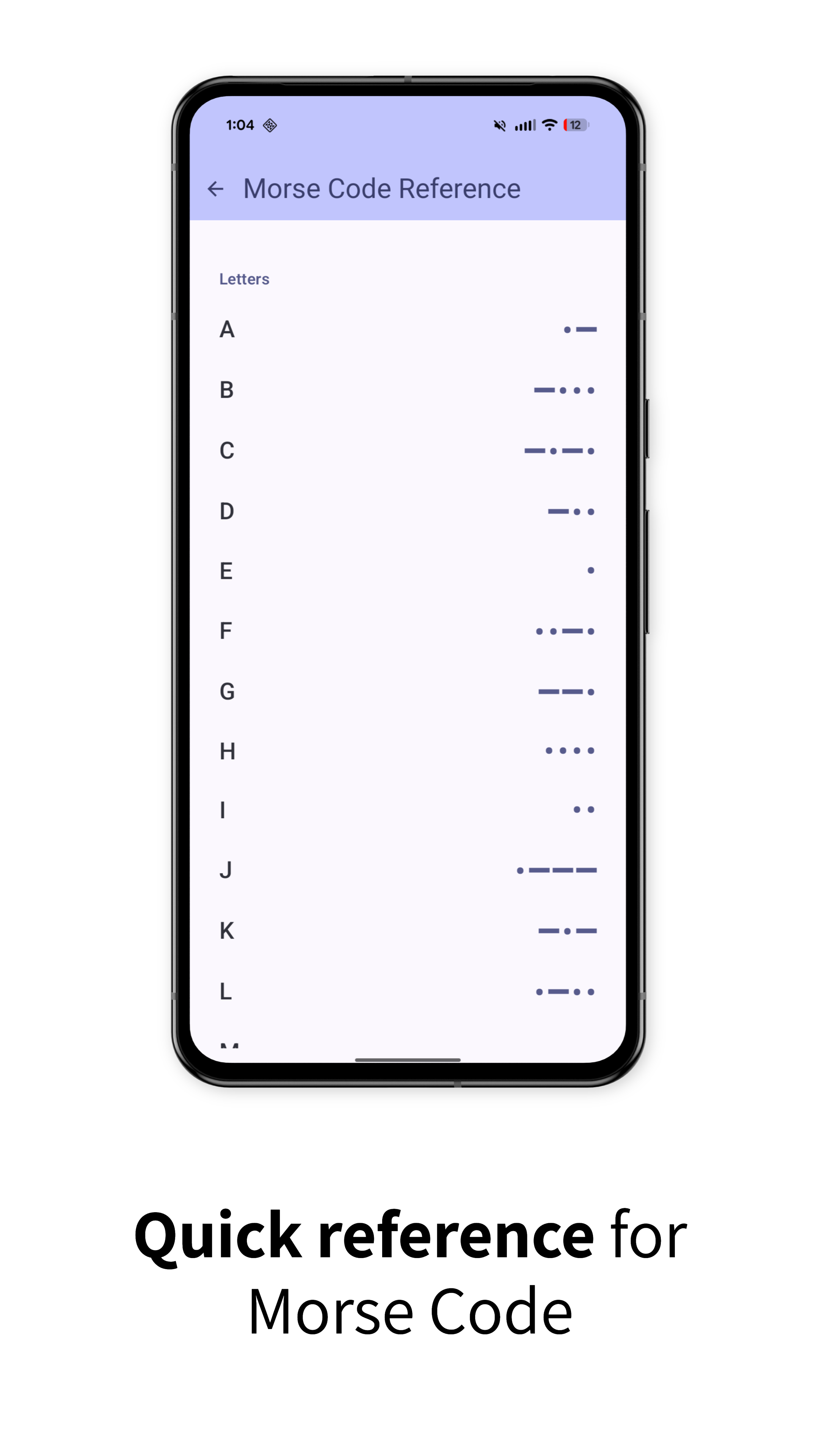
📖 Built-in Morse Code Reference
Stuck on a character? No problem. The app includes a handy Morse code reference guide. Quickly look up letters, numbers, and prosigns without leaving the keyboard.
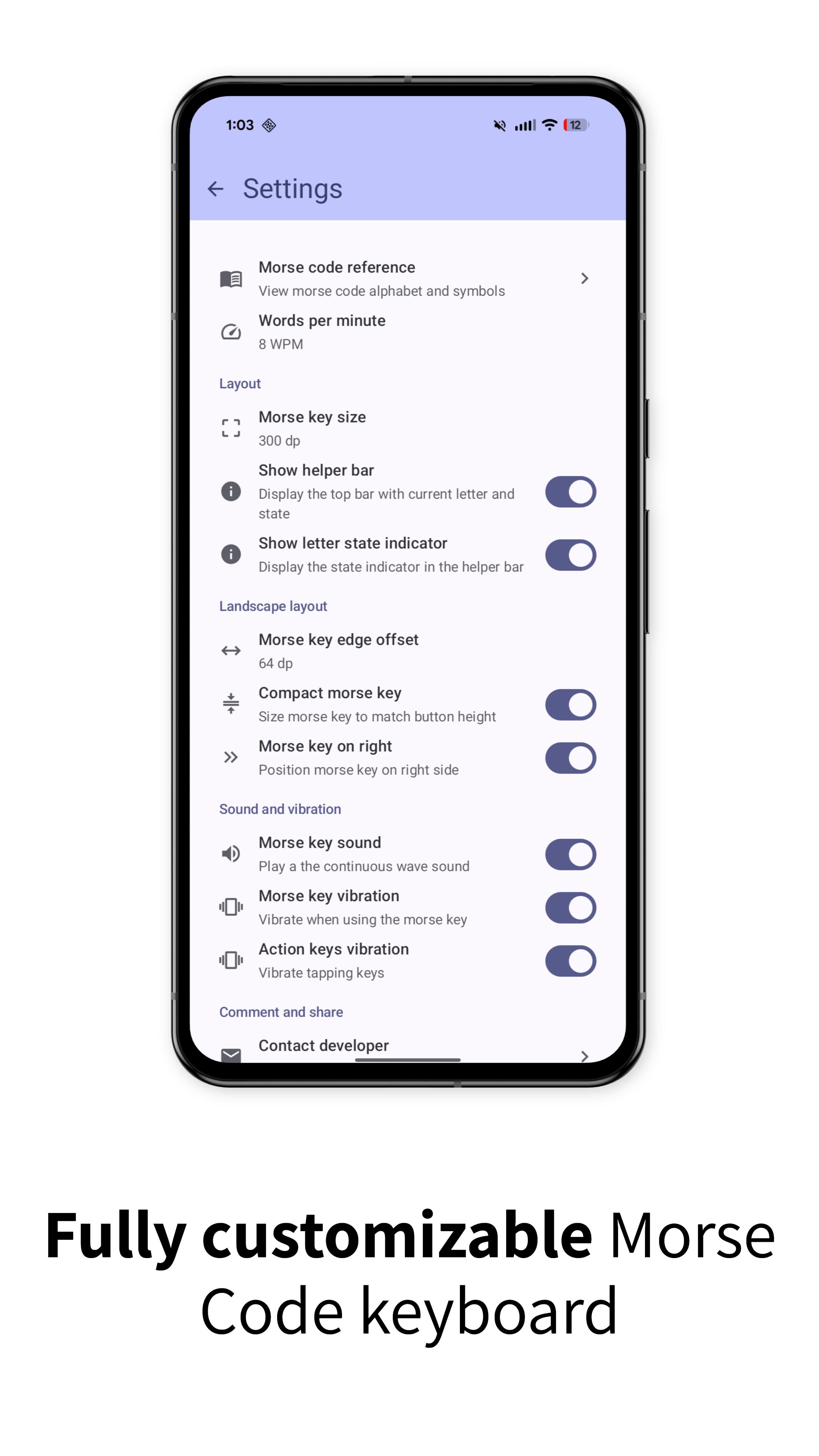
⚙️ Fully Customizable Settings
Tailor the experience to your needs. Adjust audio feedback, haptic vibration, and input sensitivity in the settings menu to match your preferred operating style.
Why Choose Morse Code Keyboard?
- Authentic Feel: The closest you can get to a brass pounder on a touch screen.
- Zero Auto-Completion: A pure typing experience that relies on your skill.
- Lightweight & Fast: Opens instantly and integrates seamlessly with your Android system.
How It Works
- Enable "Morse Code Keyboard" in your Android Language & Input settings.
- Select it as your active input method (IME).
- Open any app and tap a text field.
- Tap the key for dots, hold for dashes. Practice your manual timing and send messages in Morse code!
Download Morse Code Keyboard now and start tapping out messages with the timeless skill of Morse code!